


Face redaction for crowded footage
Even when the frame is full of people, every face is found and covered at once, then followed to the end of the video.
Real result
AI finds faces and license plates in CCTV and field footage and keeps them covered to the end. Review and fix the result in the editor before you share or release it.
Customers' faces in convenience store CCTV, found and covered to the end of the clip. A real result.
A real result: in CCTV footage from a convenience store, BlurMe finds each customer's face and keeps it blurred to the end of the video
Companies, universities and nonprofits around the world blur their footage with BlurMe




Three steps, all in your browser with no software to install.
Click Upload video or drop it anywhere on the page. Face and license plate detection is already on.
AI finds and covers faces and license plates. Click anyone who needs to stay visible to exclude them, and draw an area over anything that was missed.
Click Export to save the redacted video.
Even when the frame is full of people, every face is found and covered at once, then followed to the end of the video.
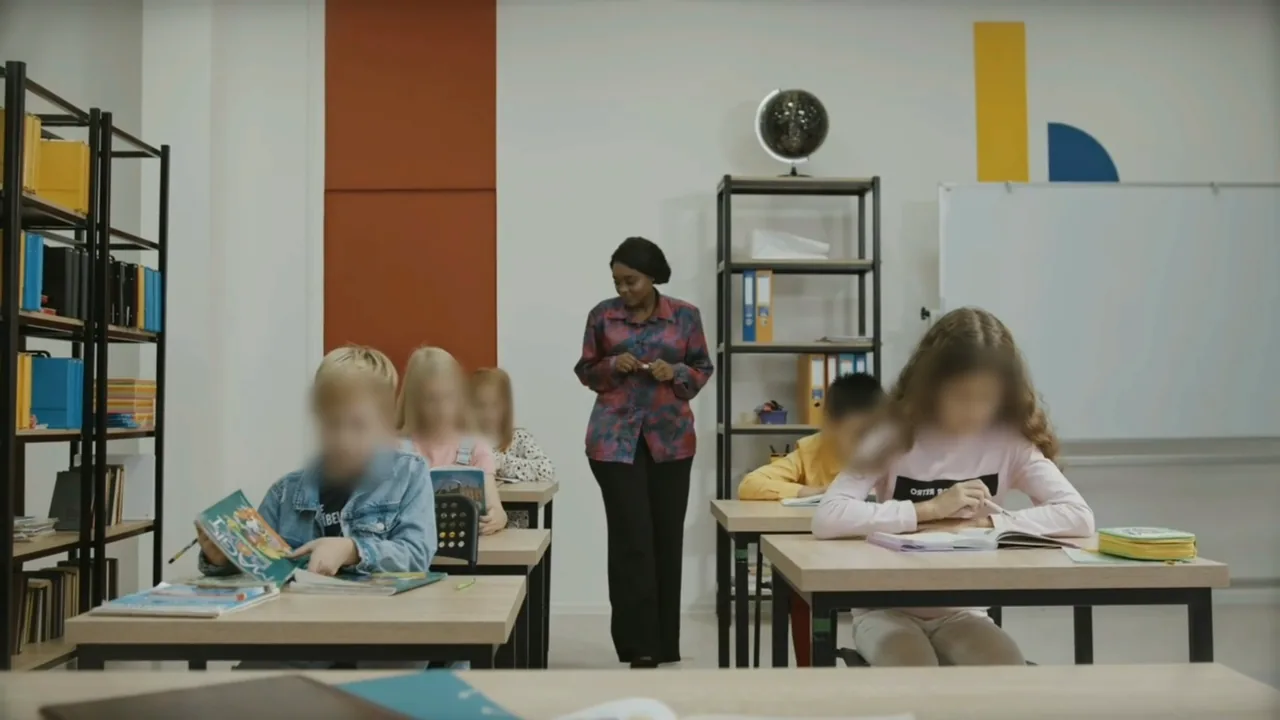
Click a person to exclude them and they stay as they were. In a class recording, for example, keep the teacher visible and cover the students.
Choose the effect that suits the footage, then adjust strength and size. Apply it to every target at once, or give each one its own.
 BlurPixelateSolid
More blur tools


